.png)
How do I add a product to my JSHealth 360 Subscription?Updated a month ago
That is easy!
We recommend any changes to your subscription are made at least 3 days in advance of it processing to avoid any disappointment.
To do this Watch how or follow the instructions here:
Navigate to your account

Sign in

Choose ‘your subscriptions'

This will take you to your subscription page where you can fully manage your account
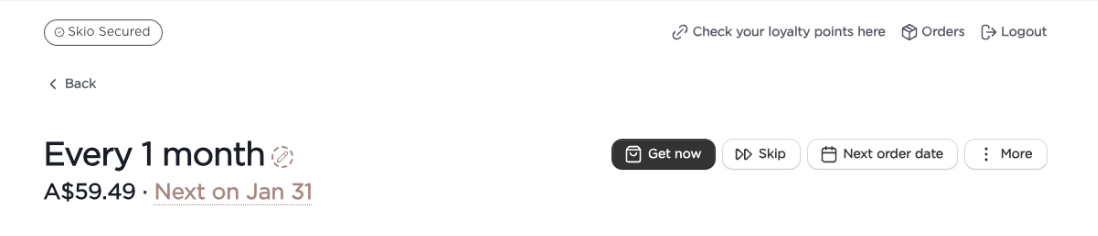
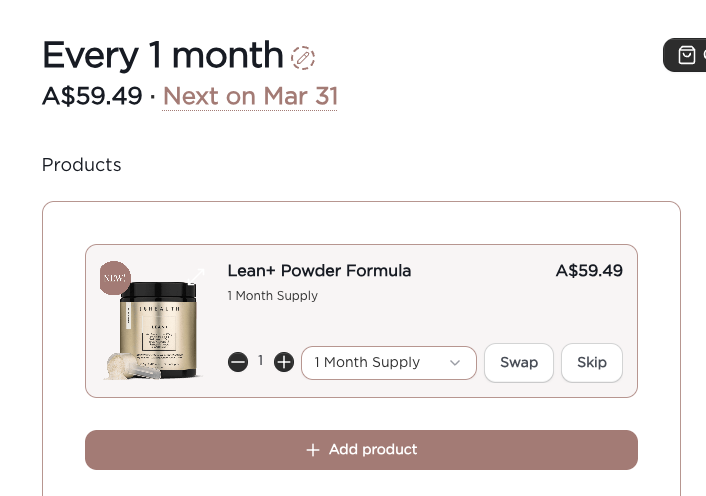
Select 'Add Product'
Search and select the product you would like to add to your subscription
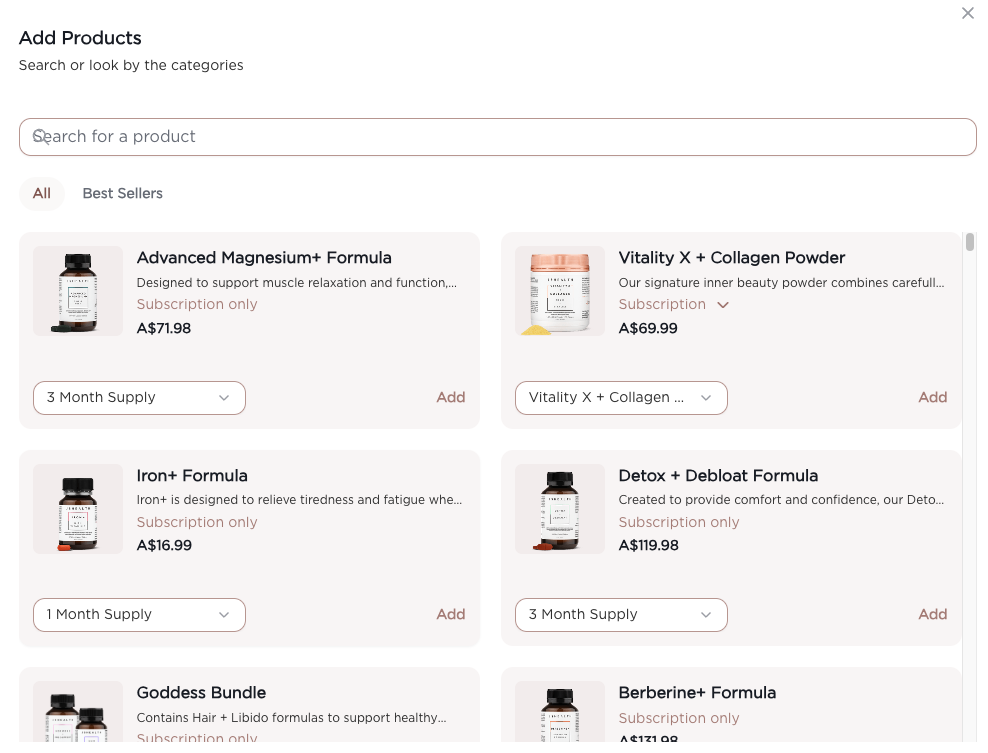
Confirm add

That is it! You are set for your next order to include selected product.